Submission Policy and Procedure

Submission Policy and Procedure

Login/Registry as Author

A. New Registration
  1. Author is required to go to http://jari.hru.edu.kh/index.php/jari
  2. Point to the menu Submission
  3. Click the submenu Article Submitting or Book Submitting
  4. Click Registry to make a submission
  5. Fill out the form of registration
  6. Click Registry button
A. Login to make a submission 
  1. Go to http://jari.hru.edu.kh/index.php/jari
  2. Click Login to make a submission
  3. Fill out the form of login
  4. Click Login button

Submit New Manuscript

A. New Submission
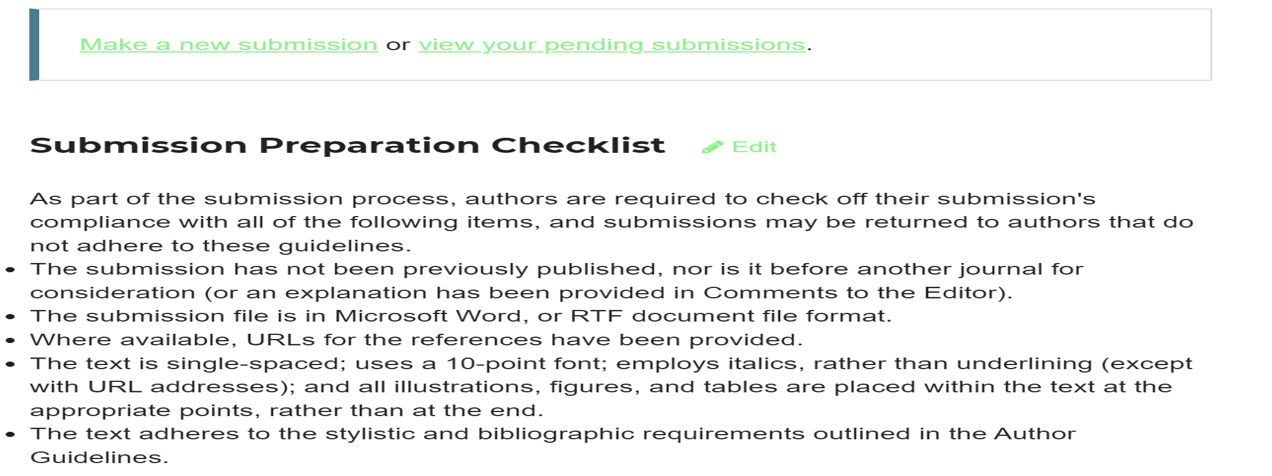
  1. Go to the menu Submission, then click the submenu Article Submitting or Book Submitting or go to the navigation bar Make a Submission
  2. Click Make a new submission
B. Submit an article or a Book
  1. Starting the Submission by (a) Select a section of your submission, (b) Check all items under the Submission Requirements, (c) Drafting cover letter to the editors, (d) Tick the items in Submit as, and then tick the box Yes, (e) Then click the Save and Continue button
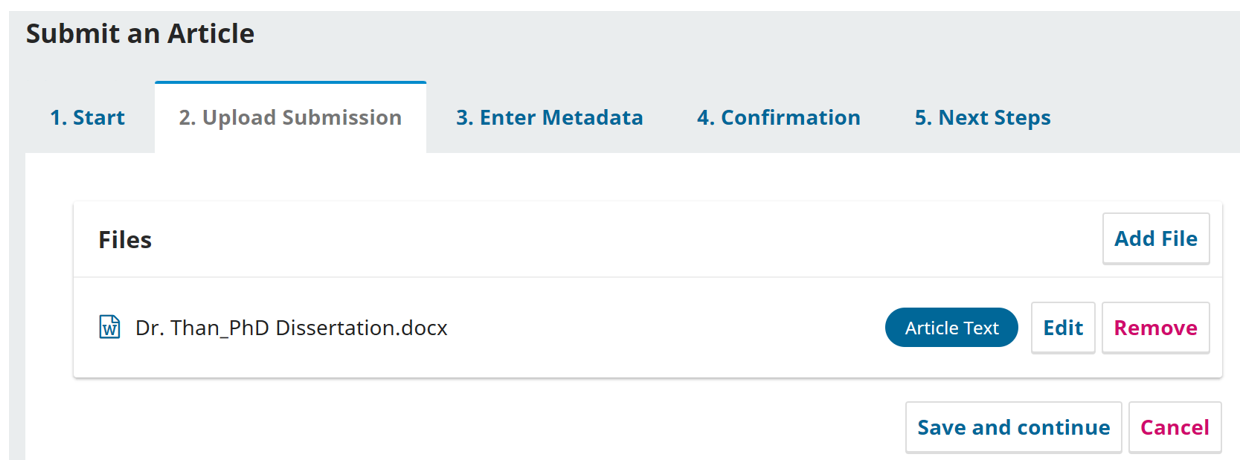
  2. Uploading Submission by upload any file in Article Text, and then click Save and Continue button

15. Entering Metadata with the boxes, as such Prefix, Title, Subtitle, Abstract, list of contributors, and additional requirements (Key Words), and then, click Save and Continue

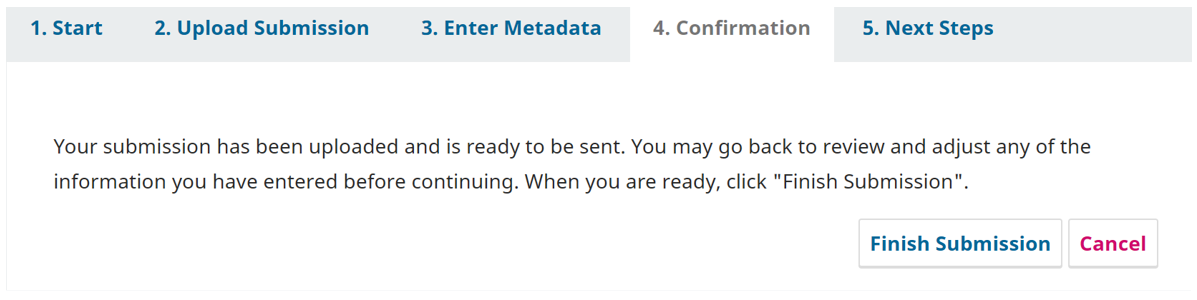
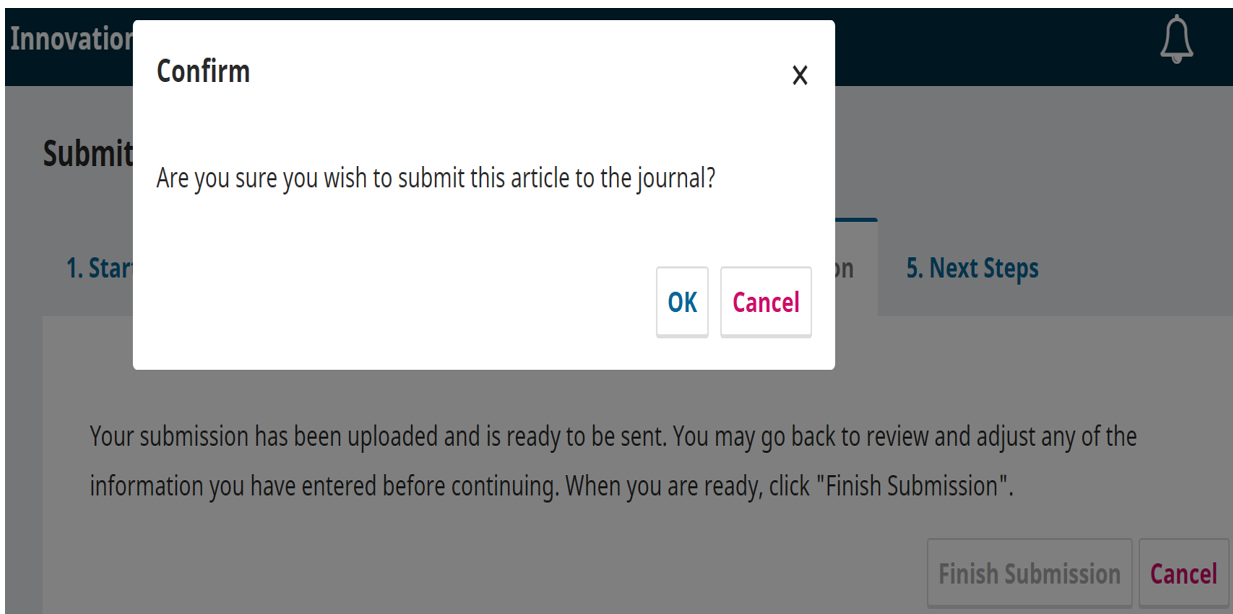
16. Making confirmation by clicking Finish Submission, and then click OK

17. Click Next Steps

18. Fili out with other requirements, and then click Complete

C.  Reviewing the Article or a Book Submission
  1. Go to http://jari.hru.edu.kh/index.php/jari or ArticleSubmitting
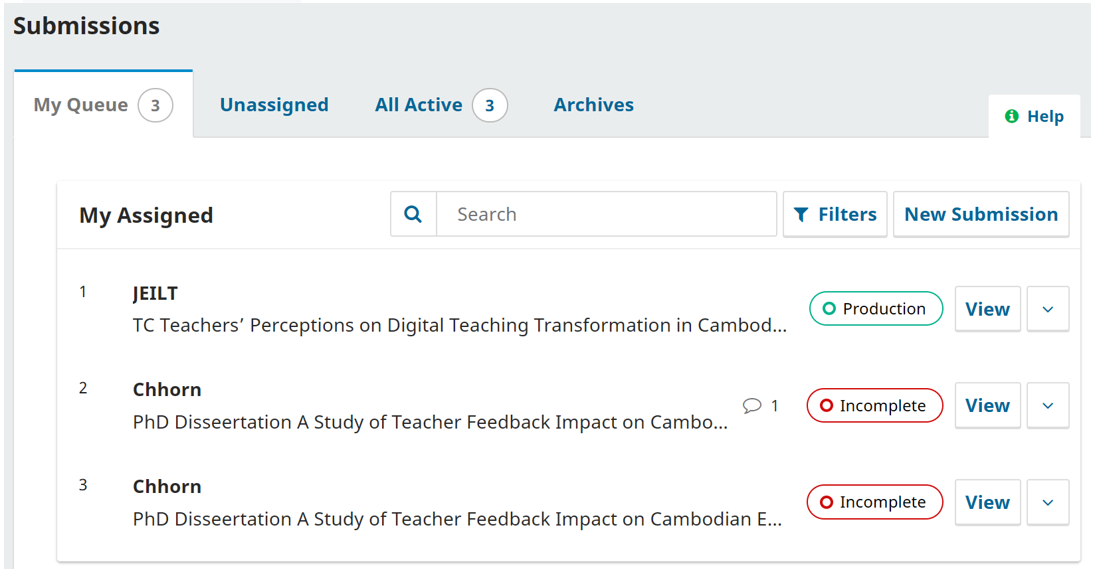
  2. Click View Your Pending Submission
  3. View the Submissions

      22. Doing as author with any guidelines in the Submission reviews